 Nomikura
Your cellar, read from the label.
Photograph a bottle of wine, sake or whisky. Kura reads the label, even in Japanese, and shelves it for you.


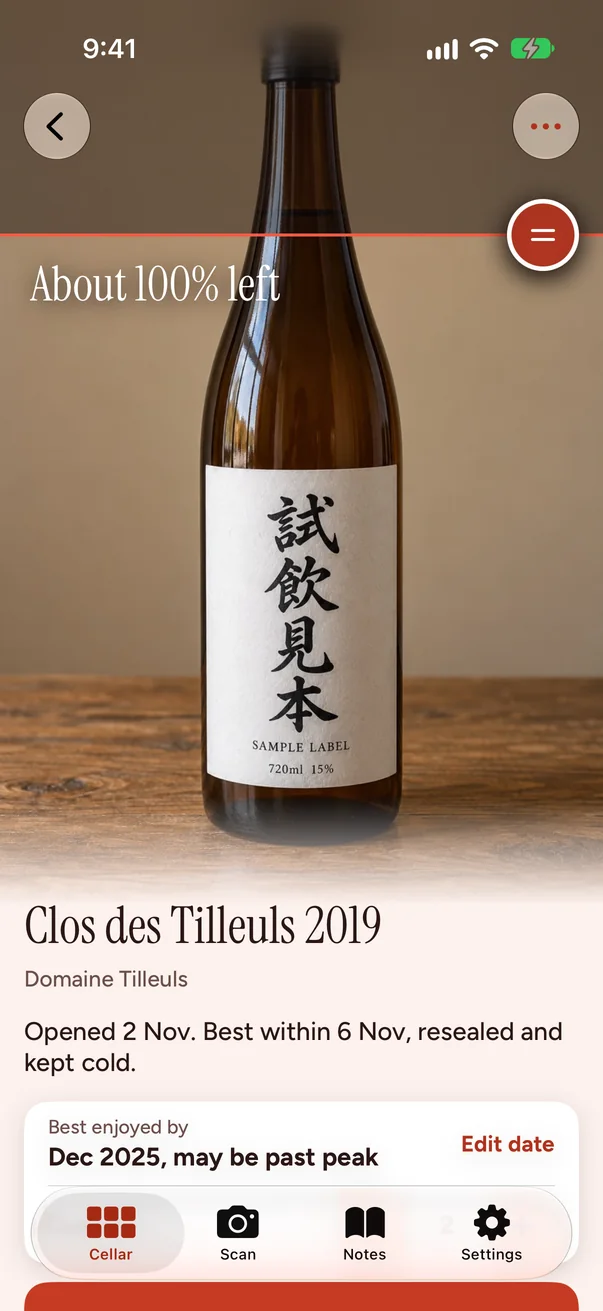
Point it at the label
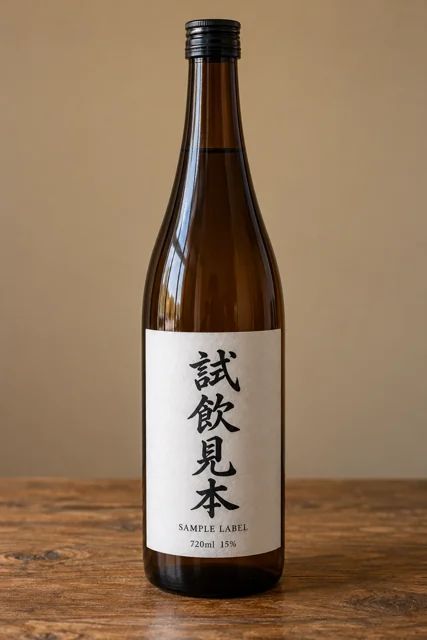
Take a photo and Kura fills in the name, maker, region, year and alcohol. Japanese sake labels are read in Japanese and kept as printed. You check it, then it goes on the shelf.
A shelf you can see
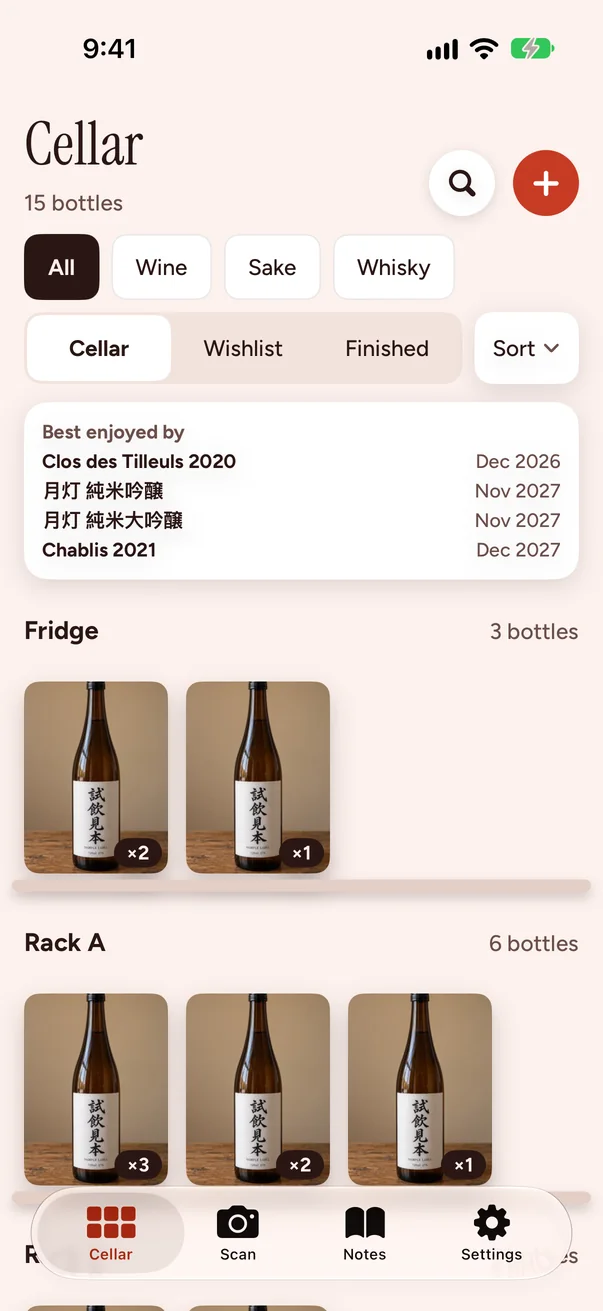
Every bottle stands on its own shelf, by the place you keep it: Fridge, Rack A, Shelf.
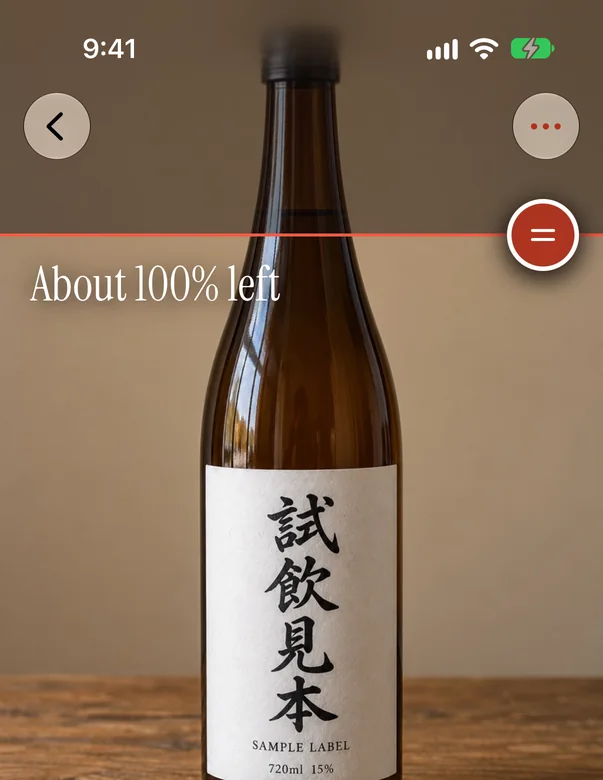
The pour line
Mark a bottle as opened, then drag the line down the bottle photo as you drink it. The app suggests how long it stays good, and always says the dates are only suggestions.
Tasting notes and a flavor map
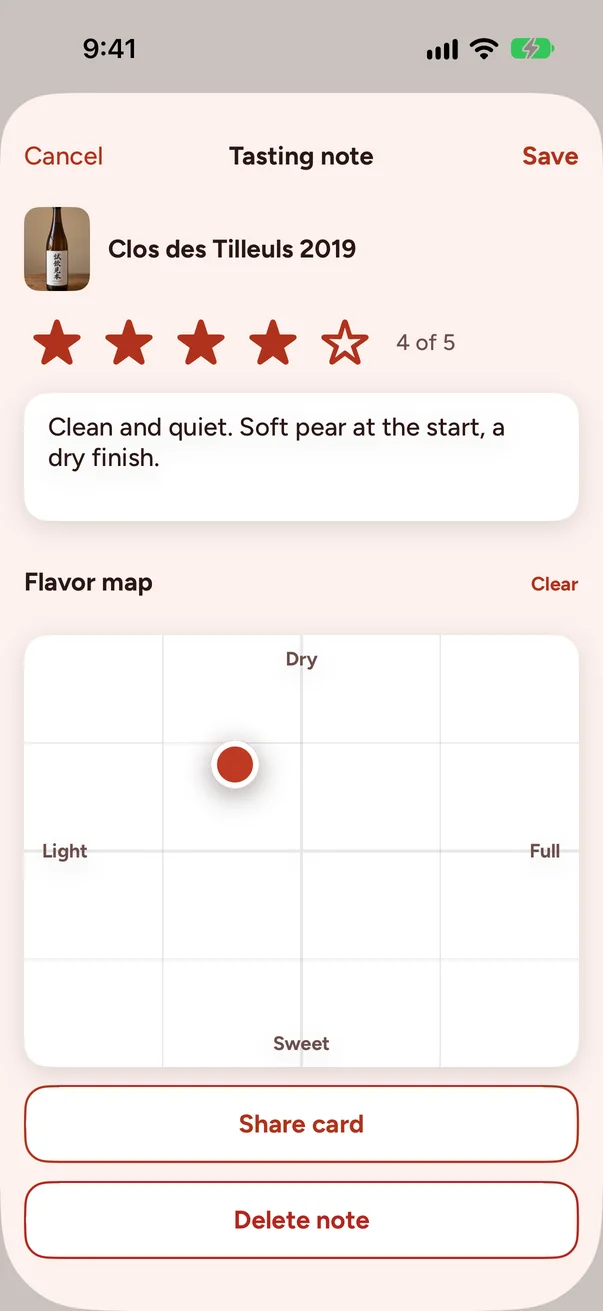
Stars, a few words, and a dot on a small map. Sake uses its own words, 淡麗 to 濃醇 and 辛口 to 甘口. Share a clean card with friends.
Your photos
No account, no ads, no tracking. Your cellar stays on your device and in your private iCloud.

Pro
Nomikura Pro
Nomikura Pro lifts the 25 bottle limit and reads up to 150 labels a day.